Claygent Explained: What It Does, How to Prompt It and How to Measure Pass Rates
Last updated: 14 October 2026
Claygent is Clay's AI research agent that visits the web for each row in your table and returns a structured answer to a prompt you write, charging credits per run. Used well, it turns a list of company names into researched, outreach-ready data. Used badly, it burns credits on confident wrong answers.
Faraz Ahmed, founder of ThynkGrowth, built and ran a $6.12M quarterly ABM pipeline engine as the sole Clay operator at an enterprise SaaS company, trained 70 BDRs on AI and Clay, and holds all four Clay certifications. ThynkGrowth is a Clay Solutions Partner, and Faraz has coached 20+ GTM engineers.
What is Claygent and what does it do?
Claygent is Clay's AI research agent. For each row in a table, it visits the web, reads pages and returns a structured answer to the prompt you wrote, such as a pricing-page URL or whether a company uses a named tool. Clay charges action credits for the run, on top of any enrichment credits.
If you are learning how to use Clay, think of Claygent as a column that does the research a junior analyst would do by hand, on facts that sit on unstructured pages: pricing, integrations, tech mentions and hiring. It is the research step of a signal-led GTM system, not the whole system.
How do you prompt Claygent well?
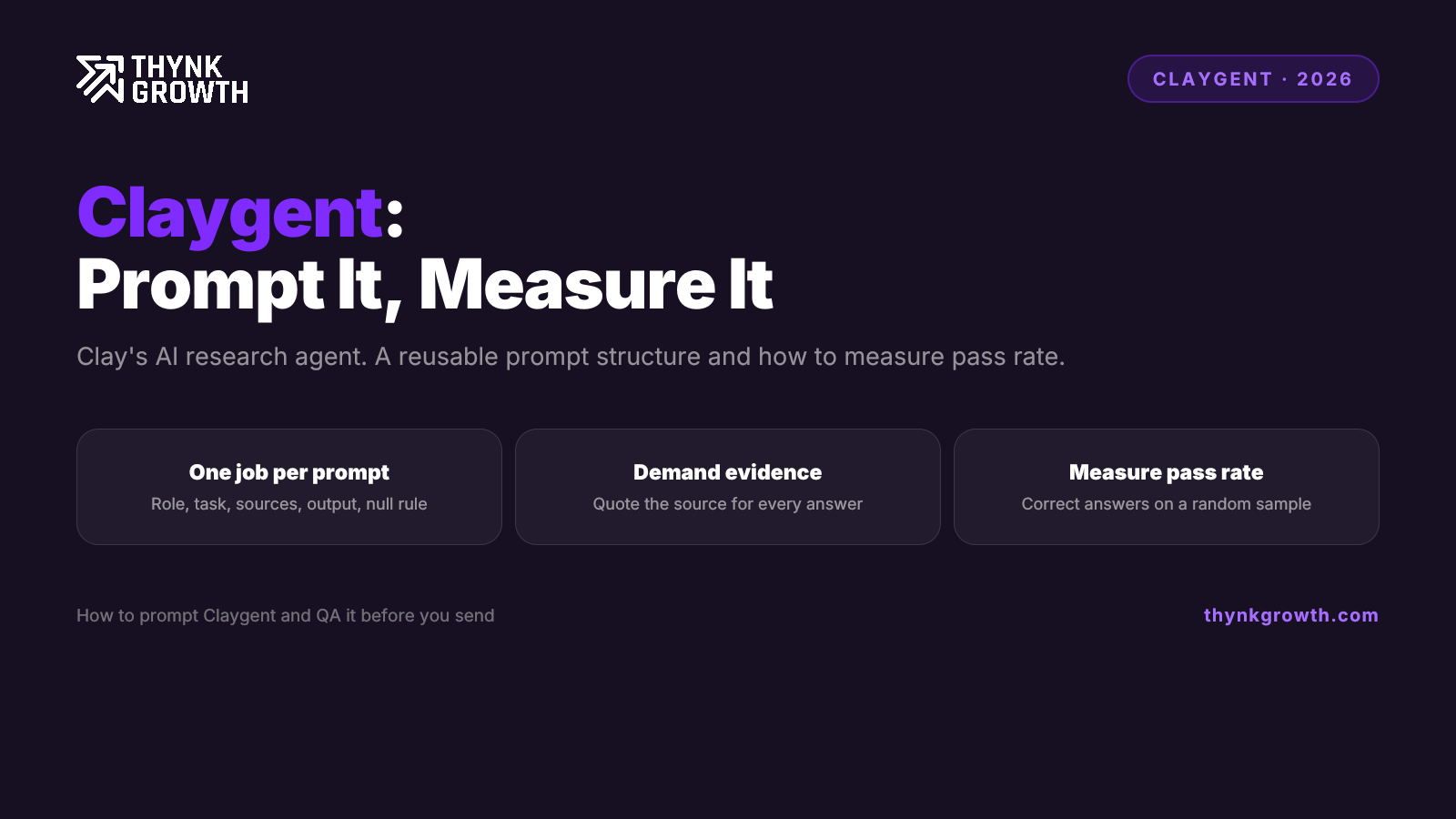
Give Claygent one job, a named source to check, an exact output format and an explicit fallback for when it finds nothing. Vague prompts invite guessing. A reliable prompt has five parts: role, task, sources, output format and a null rule.
- Role: one line that sets the context.
- Task: a single question with a single answer.
- Sources: where it may look, and where it may not.
- Output: a fixed format, ideally JSON, so you can parse it.
- Rules: what to return when the answer is missing, and a ban on guessing.
A worked example for finding a pricing page, with the Domain column inserted where marked:
ROLE: You are a research assistant checking B2B software companies.
TASK: Find the URL of the public pricing page for the company at <Domain column>.
SOURCES: Check only that domain and its subdomains. Do not use review sites or third-party listings.
OUTPUT: Return JSON only: {"pricing_url": "<full URL or null>", "evidence": "<exact page heading you saw>", "confidence": "high|medium|low"}
RULES: If the company shows only "contact sales" or has no pricing page, return pricing_url as null. Never guess or construct a URL.
Swap the task and the same skeleton confirms tool usage: ask it to confirm whether the company mentions a named CRM on its own site, and to return true, false or null with the sentence quoted. The evidence field is the key habit, because it gives you something to check in seconds. We teach this prompt structure, and how to QA it, inside ThynkCrew.
How do you measure Claygent pass rate?
Pass rate is the percentage of rows that return a valid, correct answer. Calculate it on a random sample: correct answers divided by rows tested. Count nulls separately from wrong answers, because an honest null is a safe result and a confident wrong answer is the costly failure.
Run the prompt on a small random sample first, not the whole list. Verify each row by hand against the source and sort it into one of three buckets:
- Correct: the answer is valid and matches reality.
- Honest null: the agent said it found nothing, and nothing was there to find.
- Wrong: the agent returned a confident answer that is incorrect or malformed.
Track pass rate (correct divided by total) and wrong rate (wrong divided by total), and set your acceptable wrong rate before you scale. A wrong pricing URL is a minor annoyance, but a wrong claim inside a personalised opener can sink a message.
What moves a Claygent pass rate up or down?
Pass rate tracks how much reading and judgement a task needs, not how clever the prompt sounds. A task with one findable answer on a single page, like a pricing-page URL, passes far more often than a task that needs the agent to read several pages and judge intent, like summarising hiring plans. The more pages and the more inference, the more room for a confident wrong answer.
So the lever is task design. Split a hard research question into two simple ones, point the agent at a specific source, and demand evidence for every answer. Measure each prompt on a sample before you trust it at scale, because the only pass rate that matters is the one you measured on your own data. This is core GTM engineering work.
How do you QA Claygent outputs before sending outreach?
Spot-check a random sample of every run, add a validation column that tests each answer automatically, and route nulls to a fallback instead of writing around them. Never send personalised copy built on an unchecked output, because a single wrong claim in an opener costs more than the minutes QA takes.
- Spot-check a sample. Open the evidence field for a random slice of rows and confirm it against the live page. Re-sample after any prompt change.
- Add a validation column. For URLs, check that the domain matches and the page loads. For true or false answers, require a quoted sentence. Fail any row where the evidence is empty.
- Handle nulls on purpose. A null is data. Send those rows to a database lookup or manual review, or give them a generic opener. Do not let a null flow into a merge field.
When should you not use Claygent?
Skip Claygent when a database already answers the question more cheaply, such as headcount, industry, HQ location, funding totals or verified emails. Those are structured lookups, and an enrichment provider returns them faster and more consistently. Use Claygent only for answers that live on unstructured web pages.
Because Clay charges action credits on top of enrichment credits, running an agent for a fact a database holds is a double spend for a worse answer. Our rule: try the structured source first, and call Claygent only on rows it cannot fill. Weighing other tools for that layer? See our Clay alternatives comparison.
If you would rather have the system built for you, ThynkGrowth's done-for-you outbound service covers research columns, QA and sequencing end to end.
What is Claygent used for?
Claygent researches facts that sit on web pages and returns them as structured data in a Clay table. Common jobs include finding pricing-page URLs, confirming tool usage and spotting hiring signals. It works best on one clear question per prompt.
How do you use Claygent in Clay?
Add a Claygent column to your table, write a prompt using the role, task, sources, output and rules structure, and insert column values where needed. Test it on a small sample first, check the results by hand, then run it on the full list.
Does Claygent cost credits?
Yes. Claygent charges credits for each run, and Clay charges action credits on top of any enrichment credits. Check Clay's current pricing for the live credit cost before running it at volume.
What is a good Claygent pass rate?
There is no universal threshold, because it depends on what a wrong answer costs you. Simple one-page lookups pass most often and inference tasks pass less often, so decide your acceptable wrong rate first and measure against it on a random sample.
Related reading
Want this running for your pipeline?
Book a free strategy call. We map your outbound plan whether you work with us or not.
Book a free strategy call